What Is an eSIM and How Does It Work?
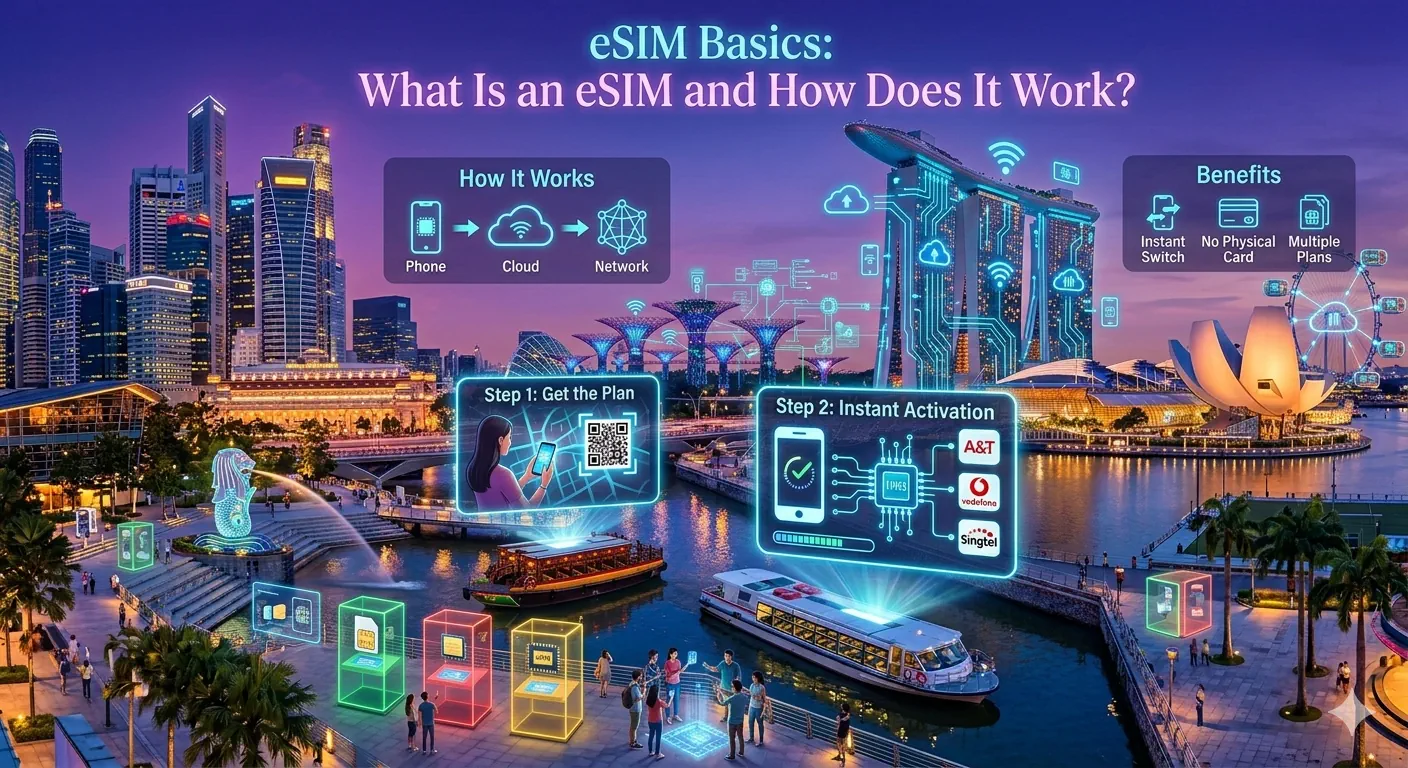
If you have booked a trip to Asia in the last year or two, you have probably seen the word "eSIM" thrown around and quietly wondered whether it was something you actually needed to understand. The good news is that it is genuinely simple once someone explains it without the marketing gloss. So here is that explanation.
An eSIM is a SIM card that is built directly into your phone. The "e" stands for embedded. Instead of sliding a small plastic chip into a tray, you download a mobile plan over the internet and your phone stores it on a tiny chip that was soldered in at the factory. The end result is exactly the same — your phone connects to a mobile network — but there is no physical card to lose, swap, or snap in half at the bottom of your bag.
Why does this matter for travel?
The old way of getting data abroad was painful in one of two ways. You either left roaming switched on and prayed your home carrier would not charge you the price of a nice dinner for every day of the trip, or you queued at an airport kiosk, handed over your passport, and fumbled a local SIM into your phone while jet-lagged. Both work. Neither is pleasant.
An eSIM removes the queue entirely. You buy a travel data plan online before you leave home, install it in a couple of minutes, and the moment your plane lands and you switch off airplane mode, you are connected. No counter, no passport photocopy, no language barrier at 6am. For most travellers heading to Japan, Thailand, Vietnam or anywhere else in the region, that convenience alone is the entire selling point.
How an eSIM actually works, step by step
When you buy a travel eSIM, the provider gives you a QR code or a direct activation link. Your phone reads that code, downloads the plan — technically called an eSIM "profile" — and stores it alongside your normal SIM. Modern phones happily hold several profiles at once, so your everyday number does not go anywhere.
Once installed, you simply choose which line handles your data. You tell your phone to use the eSIM for mobile data while travelling, and leave your home SIM switched on for calls and, crucially, for the one-time security codes your bank loves to text you. When you fly home, you flip data back to your normal SIM and forget the eSIM ever existed until your next trip.
The mental model that helps most people: your physical SIM is who you are, and the eSIM is just where you get your data while you are away.
Does my phone support eSIM?
Most phones released in the last few years do. On the Apple side, every iPhone from the XR and XS onward supports eSIM, and recent US models have dropped the physical tray altogether. On Android, the Google Pixel range, most flagship Samsung Galaxy phones, and many Motorola and Oppo devices support it too. Two things to check before you buy a plan: that your phone model is on the provider's supported list, and — this one catches people out — that your phone is not carrier-locked to your home network. A locked phone may refuse a foreign eSIM.
If you are unsure, the quickest test on an iPhone is to open Settings, tap Mobile Service, and look for an "Add eSIM" option. On Android, dial *#06# and look for an EID number — if one appears, your phone has an eSIM chip.
What an eSIM is not
A travel eSIM is a data plan, not a new phone number you can hand out. Most travel eSIMs are data-only, which is perfect for maps, messaging apps, ride-hailing, translation and uploading far too many photos. For actual phone calls you will use an internet calling app over that data, or keep your home SIM active for the rare times you need a traditional call. For the vast majority of trips, data-only is all you will ever touch.
Ready to try one?
If you want to see how painless this is, the simplest place to start is a well-supported global provider like Airalo. Pick your country, choose a data amount, and you will have a working plan before you finish your coffee.
The bottom line
An eSIM is the least dramatic piece of useful technology you will meet this year. It does one thing — gets your phone online abroad without the faff — and it does it well. If you are travelling around Asia, it has quietly become the default choice for connected, hassle-free trips. Once you have used one, going back to airport SIM counters feels faintly ridiculous.
Next, learn exactly how to set one up in our step-by-step installation guide, or jump straight to a destination guide for the country you are visiting.